Short answer: The Facebook Ad Library (Meta Ad Library) has no official video download button. To download videos from the Ad Library (ads library download), right-click the video and select “Save video as…”. If that menu doesn't appear, get the .mp4 link from the Network tab in your browser's DevTools.
I run a dropshipping business and have been running ads for years. I often need to save other people's video ads to review their hooks, cut pacing, and how they film products. This post covers the methods I've used, which ones work, and which to avoid. At the end I mention SpyWinAds, a tool I built. SpyWinAds data covers ads shown in the US, not ads shown in Vietnam.
Descriptions of Meta's interface in this post are what I saw when checking in 11/2026. Meta often changes its interface, so button and filter names may differ when you read this.
Can you download videos from the Facebook Ad Library?
There is no official download button. Meta's Ad Library at facebook.com/ads/library publicly lists ads running on Facebook, Instagram, and other Meta platforms. There you can see the ad content, which Page is running it, the start date, and the platforms it shows on. When I checked, the interface had no “Download” button for videos or images.
The library was made for ad transparency, not as a content download store, and videos still belong to the advertiser. Many download methods you see online essentially retrieve the video file the browser already downloaded to play. That is not a feature Meta provides.
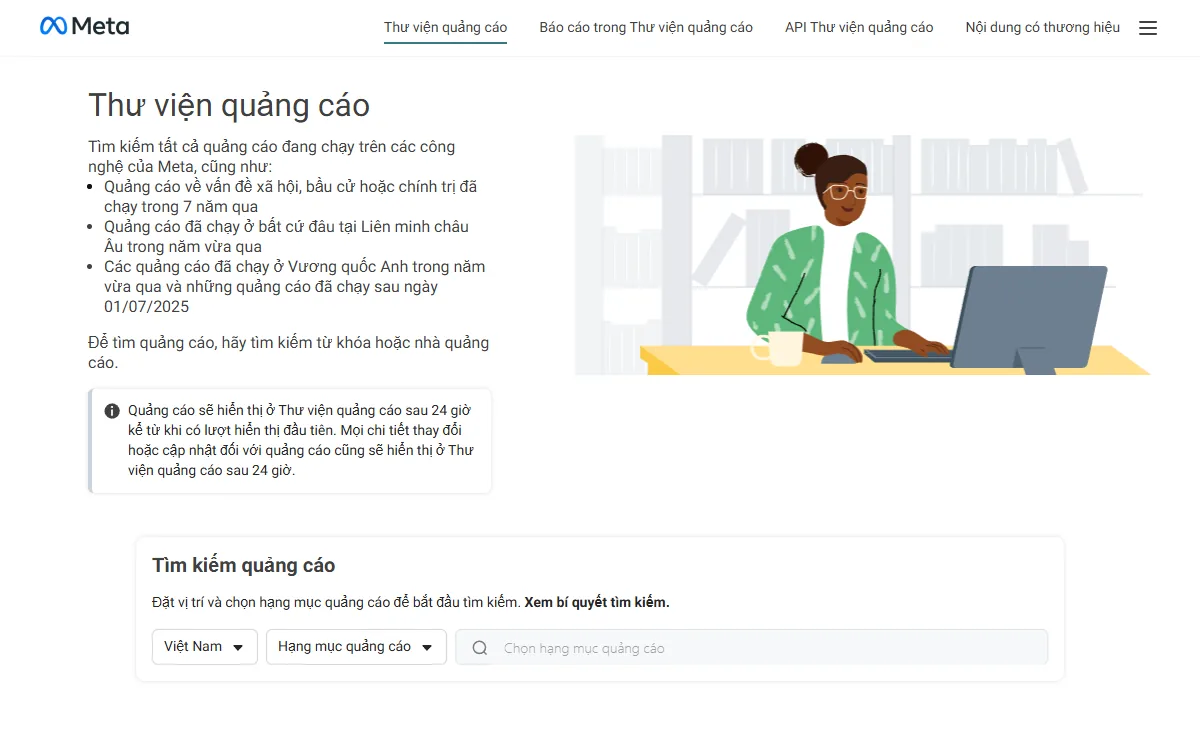
Find the right video before downloading
If you sell into the US, look at ads running in the US, since that's what your customers see. The steps below may differ slightly as Meta updates:
- Go to facebook.com/ads/library.
- Choose a country (e.g., United States) and ad category. When I looked, this option was labeled “All ads”.
- Enter the product keyword or competitor Page name.
- If there's a content type filter, choose video to cut down on image ads.
- Open the ad details (when I checked, the button was “See ad details”) to view a larger version of the video.
To see all ads from one Page, read view all ads from a Page.
Method 1: Right-click to save the video
This is the fastest method when you only need a few videos. When I tested, the player in the Ad Library seemed to be a standard browser video player, so right-clicking often shows the browser's menu.
- Open the ad and click play once so the video loads.
- Right-click the video. If you see “Save video as…”, click it and choose where to save.
- Rename the file right away, for example pagename_productname_viewdate.mp4, so you can find it later.
Depending on your browser and the moment, the menu may not show the save option. Then switch to method 2.
Method 2: Get the .mp4 link with DevTools
This method is a bit technical but requires nothing extra to install. Common desktop browsers all have DevTools: Chrome, Edge, Firefox, and Safari when the Develop menu is enabled.
- Open the video ad in the Ad Library.
- Click F12 (on Mac: Cmd + Option + I), select the Network.
- Type mp4 into the filter box, then click play on the video.
- A line ending in .mp4 will appear, usually a link from Facebook's fbcdn server. Right-click that line and select open in new tab.
- In the new tab, right-click the video and choose save.
When using this method, I often run into three issues:
- Expired links: from what I've seen, fbcdn links have signatures and only work for a limited time (and how Meta serves video may change). Download the file right away rather than saving the link to download the next day.
- Quality: the file you get is the version the browser is playing, which may not be the sharpest. It's still enough to study the hook and script.
Method 3: Online video download sites, worth using?
Searching Google, you'll find many sites where you paste a link and download. I'm not saying not to use them, but be careful:
- Many sites are full of pop-up ads and have fake “Download” buttons that lead to other pages.
- Some sites ask you to install unfamiliar software or browser extensions. Avoid these, especially on a computer logged into your ad account.
- Many sites only accept regular Facebook post links, and pasting an Ad Library link gives an error.
If you know method 2, you hardly need these sites. Method 2 also doesn't send your link or data to third parties.
Can you bulk download using the Ad Library API?
Meta has Ad Library API, but it isn't very helpful for dropshippers selling into the US. According to Meta's page when I read it (in 11/2026, see the data scope section there), the API mainly covers ads about social issues, elections, politics, and ads served in some regions such as the EU. This scope may change, so check the official page before using it.
For commercial ads targeting the US, the manual methods of right-clicking or DevTools still work. For bulk downloads, use a spy tool.
What can you do with someone else's ad video after downloading it?
The ad video is the advertiser's content. Meta has a process for handling intellectual property violations, see Meta's help page on intellectual property. I'm not a lawyer, so I'm only sharing how I do it:
- Do: review the first 3 seconds of the hook, camera angle, cut rhythm, and on-video text, then shoot or edit your own version.
- Don't: take someone else's video as-is and run it for your store. You risk a violation report, and you're likely running a video many shops already use. Videos in the Ads Library still belong to the original poster; download them for research, don't repost.
Once downloaded, there are two more things to check
1. How old is this video really?
The “start running” date in the Ads Library is tied to that ad. The same video may have run earlier in another ad or another fanpage before a new ad was created. So seeing “3 days ago” doesn't necessarily mean the video is 3 days old. Details in the article when a Facebook ad video was first uploaded.
2. How many shops are running the same video?
The same video can be reposted, re-compressed, or re-captioned by many shops. Many shops running it at once is a sign the video has been used a lot, so consider this before following it. How to check it is in the article and on how many shops are running the same video.
Downloading ad videos with SpyWinAds
SpyWinAds is a Facebook video ad spy tool for dropshippers selling to the US. The data covers ads shown in the US, not ads in Vietnam. All customers can download ad videos, with no limits. You scan using the desktop app (Windows 10 or later, or macOS). The app has its own hidden window and doesn't require logging into Facebook or Google Chrome. Results are viewed on the web; instructions are at get started with SpyWinAds.
Each video shows the date its file was first uploaded to Meta and the date it started running. The video's true age is the earlier of the date the file was first uploaded to Facebook (margin of error 1–2 days) and the date the first ad running that video started, including ads that have since been turned off. Without the file date, only the ad date is left, and that's a minimum. SpyWinAds also groups fanpages and shops running the same video using visual fingerprinting (including reposts, re-compressions, re-captioned or re-soundtracked versions) and shows who ran it earliest within the scanned library. Shortened or re-cut versions aren't guaranteed to be grouped, and the earliest shop running it doesn't mean it's the original owner. See more at Deep dive guide and Win / Scale / Old explanation page (this is an ad signal, not sales data).
On limitations: SpyWinAds doesn't show ad spend, likes, or reach. An ad still running is a sign the shop is still willing to pay for it, but it doesn't show whether it's profitable. SpyWinAds only covers Meta ads (Facebook, Instagram) and doesn't spy on TikTok, Google, or YouTube ads. Other spy tools may be stronger on large libraries, include TikTok, or have a Chrome extension. SpyWinAds covers a narrower scope, but it offers true video age and the number of shops running the same video. See at comparison page.
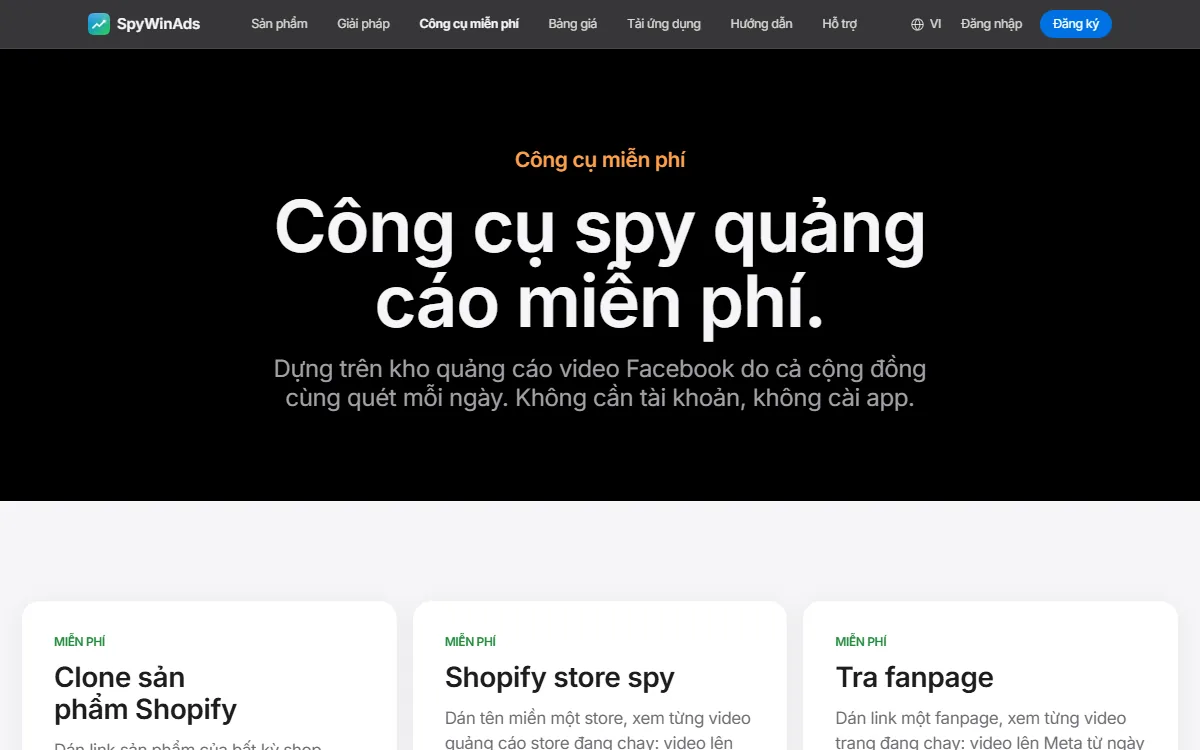
To look up a few videos, use free tool, no account needed (look up 10 ad videos per day, 30 lookups with email). To download many and scan by your own keywords, there's 7-day free trial, no card required. After 7 days the app stops scanning, and nothing is charged automatically.
Quick comparison of ways to download videos from the Ads Library
| Method | Best when | Weakness |
|---|---|---|
| Right-click → Save video | You need 1–2 videos, quick task | The save option doesn't always appear in the menu |
| DevTools → .mp4 link | Method 1 doesn't work; you don't want to install anything | A bit technical; links often expire |
| Online download sites | You don't want to open DevTools | Pop-ups, fake buttons, sites asking you to install unknown software |
| Ad Library API | Researching political or social ads, or some regions like the EU | Less suited to sales ads in the US; coverage may change |
| SpyWinAds | Download many ad videos shown in the US, with the file upload date to Meta and the start-running date | Only Meta ads in the US, only within the scanned library |
Whichever method you use, I do three things. Save the file right away and name it by fanpage, product, and viewing date. Log the ad link in a spreadsheet. Then check the video's age and the number of shops running it before deciding to sell the product.
FAQ
Does the Facebook Ads Library have a video download button?
When I checked, no. You can only view and play it. To save it, use right-click “Save video as…” or grab the .mp4 link from the Network tab in DevTools.
Why did the .mp4 link download yesterday but show an error today?
Video links from fbcdn usually only work for a limited time. Reopen the ad in the Ads Library, get a new link, and download it right away.
Can you download TikTok ad videos with SpyWinAds?
No. SpyWinAds only covers Meta ads (Facebook, Instagram). For TikTok, SpyWinAds only has TikTok Shop data in Keyword Research and doesn't spy on TikTok ads.
Do you need Chrome or an extension to download videos?
With the manual method, any browser with DevTools works. With SpyWinAds, you don't need Chrome: the scanning app runs on Windows 10 or later and macOS, and has its own hidden window. SpyWinAds has no browser extension or phone app.
Can you download ad videos currently running in Vietnam?
The Meta Ads Library lets you choose a country, but the ads made public in each country are set by Meta and may change. Check at facebook.com/ads/library, and if you see the ad, follow method 1 or method 2. SpyWinAds doesn't have ads from Vietnam.
Updated: month 11/2026. Author: Ánh Nguyễn, dropshipper, has run ads for years and built SpyWinAds himself.
Original data from the SpyWinAds library: how Facebook video ads get reused ›