Short answer: UGC (User-Generated Content) is content created by users, such as review videos, customer photos, or experience-sharing posts, rather than content a brand films and produces itself in a studio. In ads, a "UGC video" usually means a phone-shot video in which a real person holds the product and talks directly to the viewer.
What is UGC?
UGC is short for User-Generated Content, meaning content created by users. Originally the term referred to whatever customers posted themselves: unboxing videos, try-on photos, reviews, praise or complaints. Brands don't pay for or script that content.
As it entered the ad world, the meaning broadened. Now when someone says "make UGC videos," they usually mean hiring a person (called a UGC creator) to film a video in the style of a real customer. They shoot on a phone, use natural light, and talk as if telling friends. The video is still scripted, but made to not look like an ad.
For dropshippers and POD sellers targeting the US, this is a common Facebook video ad format because it looks like a regular post in the feed. The table below distinguishes three types of video that beginners often confuse:
| Type | Who makes it | What it looks like | What to note |
|---|---|---|---|
| Natural UGC | Real customer, voluntary | Phone-shot, no script | Requires permission from the person filmed to use in ads |
| Hired UGC creator | Person paid or gifted product by the shop | Looks like a real customer, but scripted, with a hook | US rules require disclosing paid relationships |
| Brand video (studio) | The shop's production team | Good lighting, polished editing, clear logo | Immediately recognizable as an ad, costs more |
When people in the industry say "UGC video for ads," they usually mean the second type.
Why are UGC videos often used in Facebook ads?
I can't claim UGC always performs better than studio video, since it depends on the product and the test round. But there are a few reasons dropshippers and POD sellers often use this format:
- Fits the feed: people scroll Facebook and Instagram to see friends and real people. A video of a person holding a phone and talking blends into the feed more naturally than a polished ad clip.
- Cheap and fast: no studio or editing team needed. One creator can shoot several versions in one session.
- Easy to test multiple selling angles: with the same product, you can have 3–5 different hooks shot and see which one keeps viewers watching longest.
- Shows real use cases: the person in the video points out the problem they had and how the product solves it. Static images struggle to convey this.
UGC also has a downside: videos "burn out" quickly. Viewers who see the same face and the same opening line again and again start scrolling past. So shops running UGC usually need to keep producing new videos, and knowing how long a video has been running becomes important.
Common UGC video formats in ads selling to the US
In dropshipping ads targeting the US market, you'll often see these formats:
- Review / unboxing: opening the box, showing the product from different angles, sharing first impressions.
- Problem → solution: opens with a familiar frustration ("Hair clogging the shower floor…"), then introduces the product.
- "3 reasons I love…": quick list, easy to cut into multiple versions.
- POV / scenario: filmed from the user's point of view, minimal talking, lots of on-screen text.
- Reaction / comparison: placing the product next to the old one they use to show the difference.
- Talking head: one person speaking straight to the camera, with almost no cuts.
With before/after formats, be careful with products related to health and appearance (beauty, weight loss, etc.). Meta's advertising standards have a dedicated section for this content, so read it carefully before filming: Meta Advertising Standards.
Where do you get UGC videos?
- From real customers: most authentic, but you need written consent before running them in ads.
- Hire a UGC creator in the US: local accent, fits the market. Specify in the agreement how it may be used: how long the ads run, on which platforms, and whether it can be edited.
- Self-filmed: cheapest, good for testing new products, but the voice and setting may not match US viewers.
- Use the supplier's existing video: fast, but many other stores have the same video.
There is one approach I don't recommend: downloading another shop's UGC video and running it again under your own fanpage. The people in the video have not allowed you to use their likeness. You could be reported for copyright infringement and lose your ad account.
Legal notes for running UGC videos in the US
If you sell into the US, your ads must follow US law, not just Facebook's policies. Three points sellers often overlook:
- Rights to use images and content: videos made by creators or sent by customers both need an agreement allowing you to use them in ads.
- Disclose paid relationships: The US Federal Trade Commission (FTC) requires product endorsers to disclose when they have a financial relationship with a brand, such as being paid or receiving free products. The original guidance is here: FTC – Disclosures 101 for Social Media Influencers.
- Don't overstate results: if a creator says "my back pain was gone after 3 days", it is still your store's advertising claim. US advertising law pays attention to statements like this, and Meta's advertising policies may also restrict them.
I am not a lawyer. These points help you know what to ask, but they do not replace legal advice.
How to review other people's running ads for ideas
One effective way to learn UGC is to watch many videos others are paying to run. The goal is to understand the hook, length, selling angle, and filming style, not to take their videos.
Use the Meta Ads Library (free)
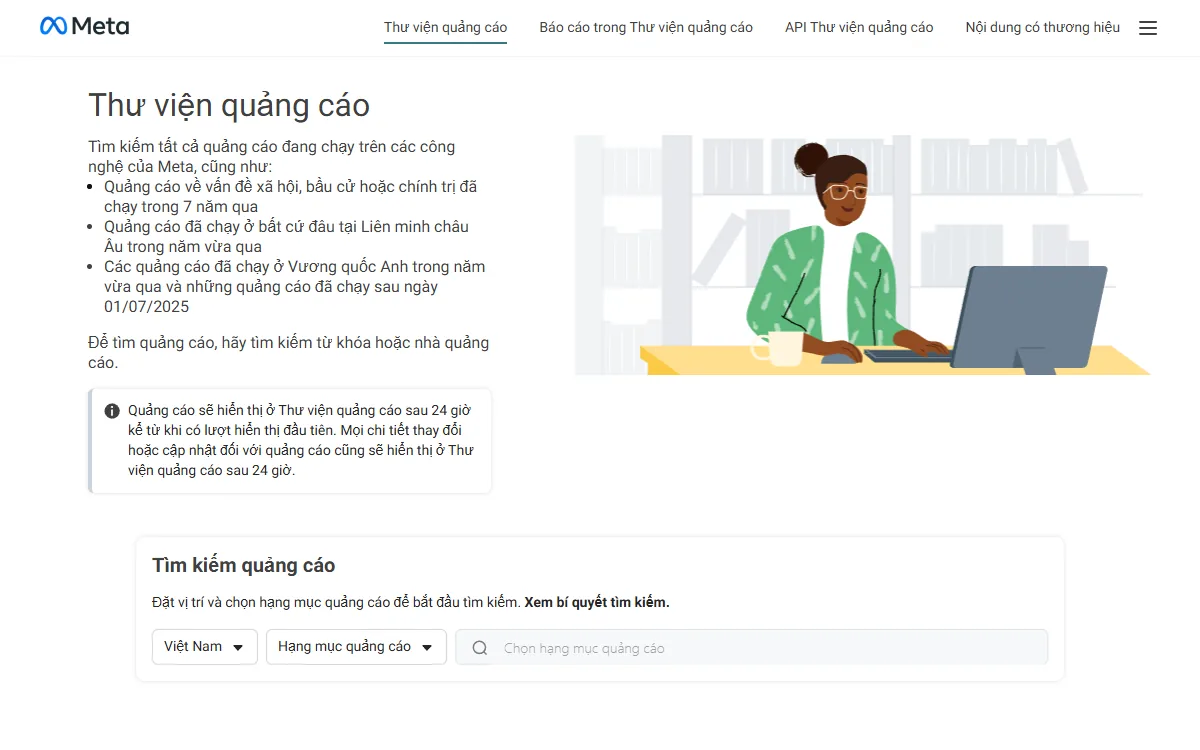
Meta has Ad Library public tool for looking up ads across Meta's platforms. The interface changes often, and button names and filters may differ from the steps below; see Meta's help center for more guidance.
- Go to facebook.com/ads/library, choose the country you want to view, for example United States.
- Type the product name or an English keyword, for example "posture corrector".
- If there is a format filter, select video, then go through the videos showing real people holding the product.
I have a separate article on how to filter products in this library: finding products in the Ad Library.
What to record when reviewing an ad video?
For each video, I record in a spreadsheet:
- The line or scene in the first 3 seconds.
- Video length, whether it has subtitles.
- Who is in the video: male/female, age, setting: home/car/outdoors.
- Main selling angle: saves time, looks better, relieves pain, gift…
- How long the video has been running, and how many stores are running the same video.
The last two points are hard to see in the Ads Library. The start date of an ad isn't necessarily the date the video was created, since the video may have been used in other ads before. I explain this in detail in the article when a Facebook ad video was first uploaded and the article how many shops run the same video.
Why do these two points matter? Many stores running the same video is both a sign that someone is spending money on that selling angle and a sign the angle is crowded (in the scanned library). You also need to check the video's age: a video that has run for a very long time and is used by dozens of stores may have worn out US viewers; a newer video carries less of that risk. A video running for a long time only shows the store is still willing to pay for it; it does not prove the product is profitable. See also: how long Facebook ads usually run.
Watch running video ads with SpyWinAds
SpyWinAds (spywinads.com) is a Facebook video ad spy tool I built for online sellers (dropship, POD, Shopify stores) who sell into the US. Important note: the data in SpyWinAds is ads shown in the US, not ads in Vietnam.
SpyWinAds is a tool for viewing Facebook video ads, not a video production tool. For researching UGC videos, a few features are useful:
- Real age of the video: SpyWinAds uses the earlier of the date the video file was first uploaded to Facebook (margin of error 1–2 days) and the first ad running that video, including ads that have been turned off. If the file date is unavailable, only the ad date remains, and that is the minimum.
- Who is running the same video: SpyWinAds groups the fanpages and stores running the same video using visual fingerprinting, including re-uploads, re-compressed versions, and versions with changed text or music. The tool shows who ran it earliest in the scanned library.
- Limitations to know: SpyWinAds does not verify who owns a video and does not guarantee it will group shortened or re-edited versions.
- Split videos into Win / Scale / Old: split by server-side rules, explained on the page Win / Scale / Old guide. This is an ad signal, not sales data.
- Deep dive: from a video you like, find the other stores running the same video (Deep dive guide).
- Download ad videos: every customer can download, no limit. You can download to review frame by frame and note the hook and cut rhythm. Download for analysis, don't repost it.
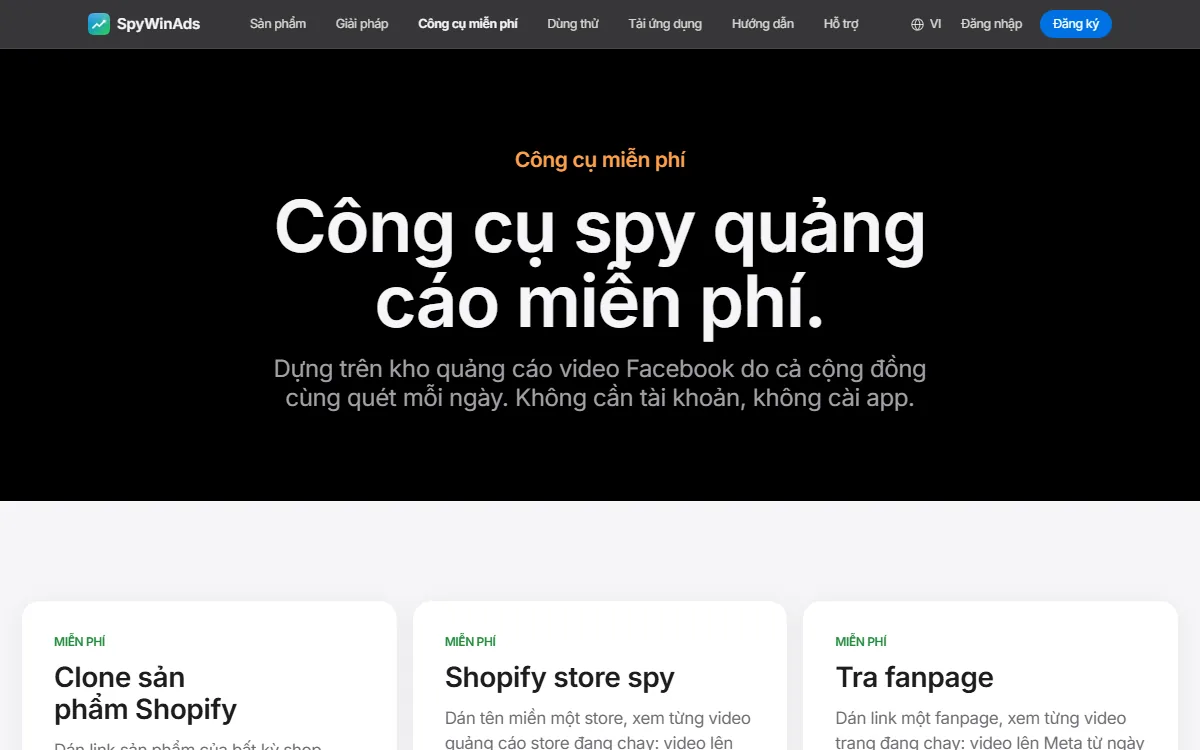
To try it quickly, use SpyWinAds' free ad library lookup tool, no account needed: 10 searches/day (30 when you enter your email). This tool is on the page free tool. If you need to scan by keyword, you download the desktop app (Windows 10+ or macOS) and try it free for 7 days, no card needed; how to run your first scan is in first keyword scan guide. After 7 days, the app stops scanning and does not charge automatically.
FAQ
What does UGC stand for?
UGC stands for User-Generated Content, meaning content created by users: review videos, customer photos, comments, and experience-sharing posts. In ads, the term is often used for videos shot in the style of real customers, even when the person filming is hired.
Must UGC videos be filmed by real customers?
No. Many UGC ads are shot by hired creators following a script. When selling into the US, note that the FTC requires disclosure of any paid or free-product relationship between the endorser and the brand.
Can I download another shop's UGC video and run it?
I don't recommend it. The people in the video have not given you permission to use their likeness, and you could receive a copyright report or lose your ad account. Watch it to learn the hook, selling angle, and filming style, then shoot your own version or hire someone to shoot it.
Does SpyWinAds make UGC videos?
SpyWinAds is a Facebook video ad viewing tool, not a video production tool. It lets you see video ads running in the US, each video's real age, and the shops running the same video.
Can I view UGC ads from Vietnam in SpyWinAds?
No. SpyWinAds data only covers ads shown in the US, so you cannot view ads from Vietnam.
Original data from the SpyWinAds library: how Facebook video ads get reused ›