Guides · How it works
The video's true age
Updated 11/02/2026 · screenshots from app version 0.6.5
This article helps you understand how SpyWinAds calculates video age and how to read it in the app.
Where video age comes from
The real age of a video is the earliest of two dates:
- The date the video file was first uploaded to Facebook.
- The date the first ad running that video started, including ads that have been turned off.
The date a file was uploaded to Facebook has a margin of error of 1–2 days.
Why we don’t use the ad’s start date
Shops often turn off an old ad and post a new one using the same old video file. The ad looks new, but the video has been running for a long time.
The file date shows this. When the two dates are far apart, it is a sign that an old video is being rerun.
See video age in the app
- Open a video tab, for example Winning videos.
- Click a video to open its detail panel.
- Look at the Age & price section, the Video age row. Below the number of days it says “file upload” with a date, or “file age not checked”.
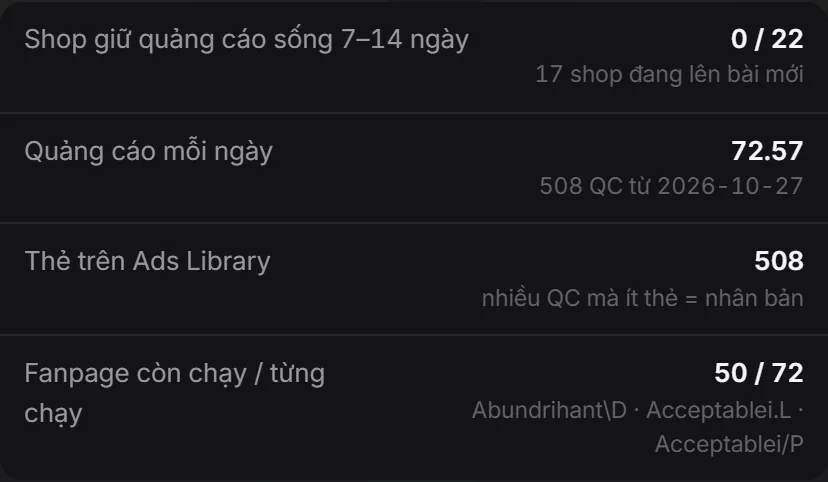
“File age not checked” means the file date could not be read. In that case the age is counted from the earliest ad only, which is a minimum. The real video may be older.
Related articles
Did this article help you?
Thank you.