Short answer: For dropshipping, a good Facebook ad example isn't one with lots of likes. It's a video that's still fresh, that many different shops are paying to run, and that shows the problem or result within the first 3 seconds. The fastest way to find them is to filter the Meta Ad Library by the United States, look at videos along with their start dates, then come back and build your own video on that structure. Don't copy the video itself.
This article is for Vietnamese people doing dropshipping to the US and running Facebook ads themselves. Most of it uses Meta's free tools. At the end, I'll add what SpyWinAds can help with. SpyWinAds is a Facebook video ad spy tool for dropshippers selling to the US. Its data is Meta ads (Facebook, Instagram) shown in the US, not ads in Vietnam.
What makes a Facebook ad example "good" for dropshipping?
Beginners often judge examples by feel: a nice video, lots of comments, catchy music. That's risky, because you don't know how much the other shop spends or whether they profit. According to the page Meta Ad Library at the time of writing, for typical product ads in the US, the Ad Library doesn't show you sales or spend amounts.
What you can observe is ad signals. I usually look at three signals:
- The shop is still paying for it: the ad is still running, with multiple versions or several ads using the same video.
- Many different shops run the same video or the same type of video: this is a strong sign that the market is testing that content type. It's also a warning that the space is getting crowded.
- The video is still fresh: if the video has spread across dozens of shops for many months, US viewers may have already scrolled past it many times.
No signal is proof that a product sells. They only help you pick examples worth studying, instead of copying a video that ran for a few days and stopped.
7 common ad video formats in dropshipping to the US
When looking for ad video ideas, group examples by format; it's much easier than saving individual videos one by one. Below are the formats I often see in physical product ads (my own observations, not statistics). Each format suits a different kind of product.
| Video format | The first 3 seconds are usually | Suits product |
|---|---|---|
| Problem → solution | Familiar annoying scene (hair all over the floor, tangled cables) | Household items and gadgets that solve one specific task |
| Product demo | The product doing its job, close-up | Product with an unusual mechanism that's clear at a glance |
| UGC / real person review | A person speaking straight to camera, phone angle | Cosmetics, personal care, pet products |
| Before → after | A "before" image that sparks curiosity | Cleaning and repair products (avoid health and appearance categories unless you've read Meta's policies) |
| Unboxing | Hands unboxing, clear sound | Gifts, small tech products |
| Compare | Two products side by side | A product that replaces a familiar item |
| "3 reasons / 3 ways to use it" | Large numbered text on screen | Product with multiple uses |
If you're not sure what UGC is or why it's popular in ads selling to the US, read more in the article What is UGC?.
The "before → after" format needs more care
Meta has strict rules on before–after images in categories like health, weight loss, and appearance. Before studying a before–after example, check the Meta Advertising Standards current version. Another shop running an ad doesn't mean that format is safe for your account.
The general structure of a good ad video
Most dropshipping videos share a common framework, whatever the format. You can use this framework to "dissect" any example I find:
- Hook (0–3 seconds): shows the problem, the result, or a strange scene. This is where viewers decide whether to keep scrolling.
- Proof (3–15 seconds): how the product works, close-up, minimal talking.
- Reasons to buy (15–25 seconds): other uses, materials, scenes of real people using it.
- Call to action (last few seconds): one short line, clearly telling viewers what to do.
I think you should make vertical videos for Reels and Stories, and design them to be watchable with sound off (with on-screen text or subtitles). Aspect ratios and specs for each placement are in the Meta Advertising Guidelines. Check that page directly, since Meta updates its specs over time.
How to find good Facebook ad examples in the Ads Library (free)
Meta Ad Library is a public, free source. In short: select the US, type an English keyword describing the product or problem (e.g. "pet hair remover"), filter for video ads, then open each ad to see its start date and the page behind it. Meta's interface may change, so check against the Library page when you use it.
Detailed guide to each filter in this article how to use the Facebook Ads Library and the article finding products in the Ad Library. If you want to download videos to analyze frame by frame, see 2 ways to download videos from the Ads Library.
I log each example on one row in a spreadsheet: ad link, video type (per the 7 types above), hook line, start date, and number of pages running it. After a few products, you'll see which types keep repeating in your niche.
The trap: the start date is not the video's age
This is an easy mistake. The Ads Library gives you the start date of the that ad, not when the video first appeared. A video may have been run by another shop months earlier, then reposted, recompressed, or with its text or music changed. The ad you're looking at may have been created this week, but the video inside is old.
The manual way is to search the Library for the hook or a distinctive description and check whether any page ran the same video with an earlier date. This takes time and is easy to miss. Two articles on when a Facebook ad video was first posted and and on how many shops are running the same video go deeper into this.
Turn the example into your own video, don't copy it
Downloading another shop's video and running it again can get your ad removed. The video may be someone else's copyrighted content, and Meta has a way for rights holders to report infringement (see Meta's help page on intellectual property). Also, viewers who have already seen that same video from another shop are likely to scroll past your ad.
What to learn from an example is the structure, not individual frames. The checklist I use:
- Keep the hook angle, change the scene: if the example opens with pet hair covering a sofa, you could open with bedsheets or a black shirt.
- Keep the pacing, change the person: if the example is a reviewer talking to camera, find someone else to film with a similar rhythm. Filming yourself or hiring UGC creators takes more effort than supplier video, but it's yours.
- Rewrite the on-screen text: change the wording to match how you talk, and check that the English sounds natural.
- Add an angle the example doesn't have: a different use case, a comparison scene, or a response to a buyer's concern.
- Make 3–5 hooks for the same video body: most of the difference lies in the first few seconds, so testing hooks is cheaper than testing an entirely new video.
A streamlined process from example to test ad
- Choose a product and collect 10–20 video examples from the US market.
- Remove videos that are old or already run by too many shops.
- Sort the remaining examples into 7 types, pick 2–3 types that appear most in your niche, and write scripts using the framework Hook → Proof → Reason → Call to action.
- Film or assemble the videos, make multiple hooks for each, run tests, and read the numbers in your own Ads Manager.
No spy tool can tell you in advance whether your video will work. Examples only help you start from a place with signals instead of guessing.
How SpyWinAds helps with finding examples
You can do every step above by hand with the Ads Library. The hardest part is step 2: knowing which videos are still fresh and how many shops have run them. SpyWinAds does this differently. A video's true age is the earliest of the date its file was first uploaded to Facebook (margin of 1–2 days) and the first ad running that video, including ads that have been turned off. Without the file date, only the ad date remains, and that is the minimum.
The data only covers Meta ads (Facebook, Instagram) shown in the US. There are no TikTok or Google ads, and no spend, likes, reach, or revenue figures.
- Who is running the same video: groups every page and shop running the same video using visual fingerprinting, including reposts, recompressions, and versions with changed text or music. The database shows who ran it earliest in the scanned portion. It does not verify who owns the video and does not promise to match trimmed or re-cut versions.
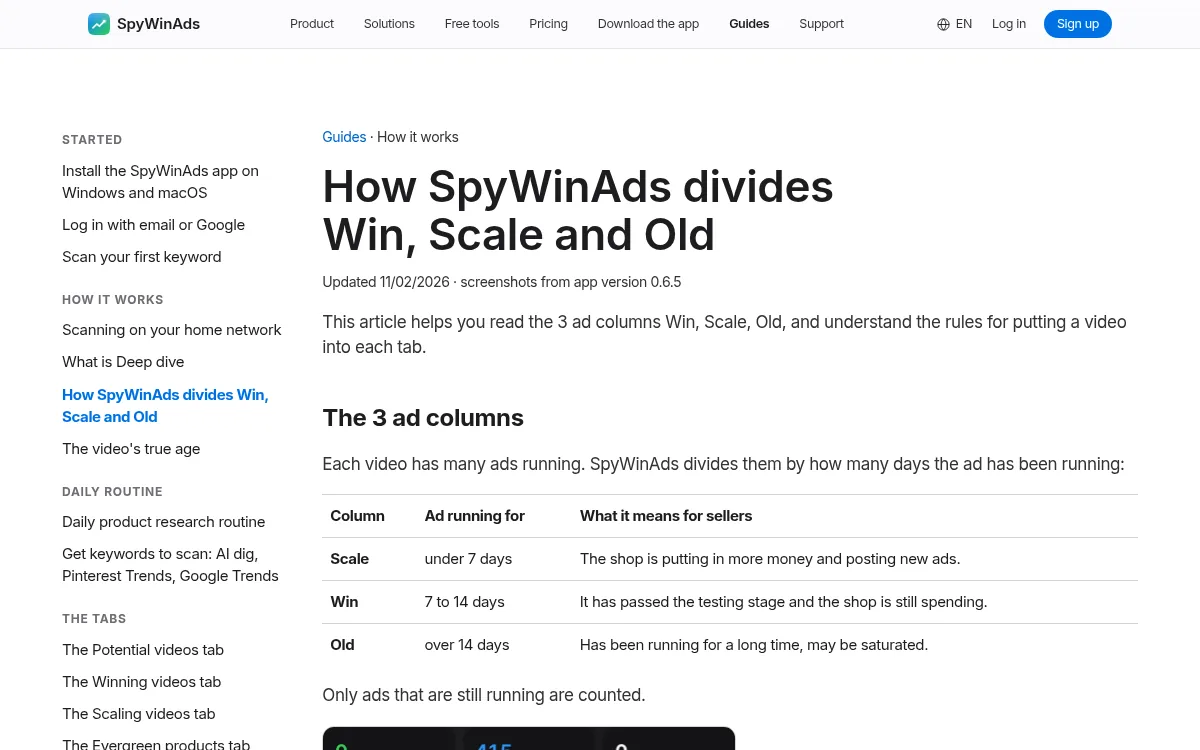
- Win / Scale / Old video split based on server-side rules, read on the page Win / Scale / Old. This is an ad signal, not sales data.
- Download ad videos: open to every visitor, no limit.
- Scan with the desktop app Windows 10+ and macOS (Apple and Intel chips). The app uses its own hidden window, requires no Facebook login, and does not need Google Chrome. Results are viewed on the web.
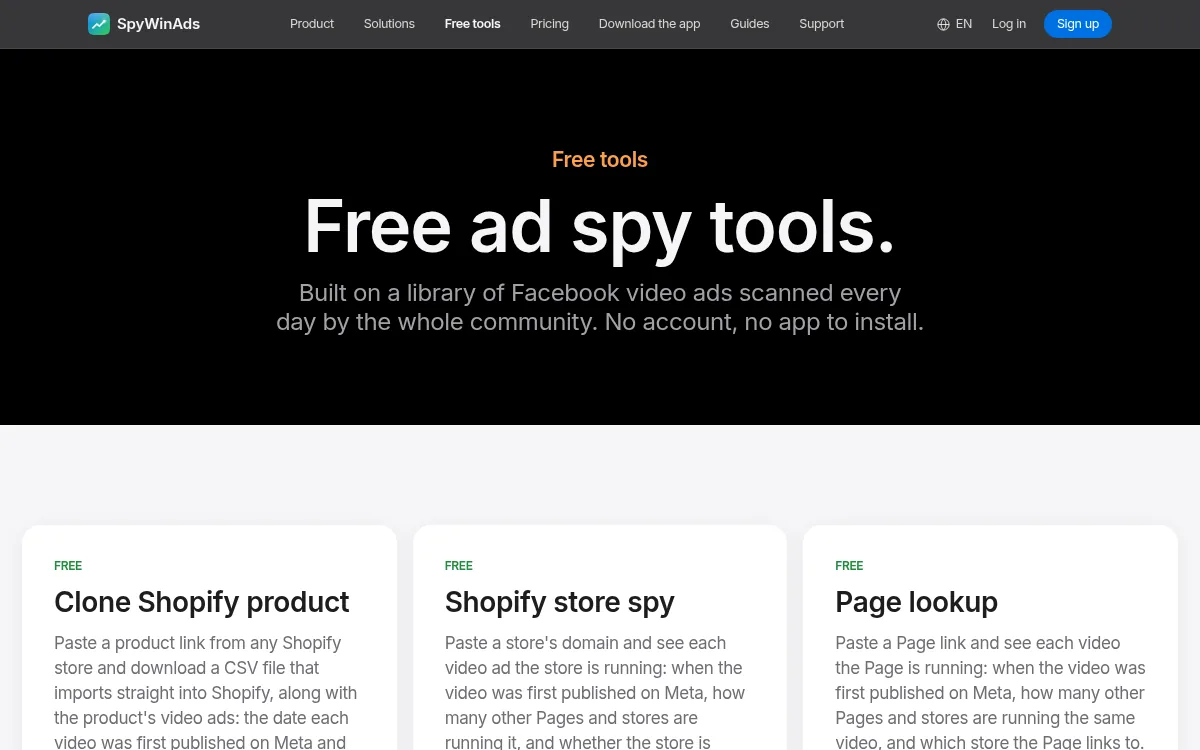
If you just want to try it, there are 4 free tools that need no account: look up ad videos, a page's ads, inspect Shopify stores, and clone Shopify products to CSV. Database lookups are 10 per day (30 when you enter an email). See at free tools page. To use the scanning app, there is a 7-day free trial, no card needed. When the 7 days end, the app stops scanning and does not charge automatically. Plan details at pricing page.
FAQ
Are good Facebook ad examples the ones with lots of likes and comments?
Not necessarily. Likes and comments don't show how much a shop spends or whether it's profitable, and for regular product ads in the US, the Ads Library also doesn't show spend or sales figures. Stronger signals are ads still running, multiple versions, several different shops using them, and a video that's still fresh.
Where can I find video ad ideas for free?
Start with the Meta Ad Library, filter for the US and video ads. Group examples by the 7 types in this article and note each example's hook line. After a few products, you'll have your own idea bank for your niche.
Should I download another shop's video and run it again?
No. The video may be someone else's copyright, the ad can be removed if the owner reports it, and viewers may have already seen that video. Learn the structure, then film your own video.
Do I need a paid tool to find good examples?
Not required. The Ads Library is free and enough to get started. SpyWinAds adds two things the Library doesn't show directly: a video's true age (including the date its file was first uploaded to Facebook) and the other shops running the same video in the scanned part of the database.
Does SpyWinAds show TikTok ads?
No. SpyWinAds only has Meta ads (Facebook, Instagram) shown in the US. The only TikTok part is TikTok Shop data in Keyword Research, not TikTok ads.
Author: Ánh Nguyễn. Updated: 10/11/2026.
Original data from the SpyWinAds library: how Facebook video ads get reused ›